VM Validator allows a fine degree of control of which data is displayed. This control is provided by some global settings which affect all displays on VM Validator. In addition to the global settings each of the main display windows has its own local controls. This section describes the global settings available from the display settings dialog.
To view the display settings dialog click on the toolbox icon on the session toolbar.
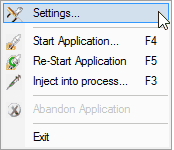

The settings dialog is displayed.
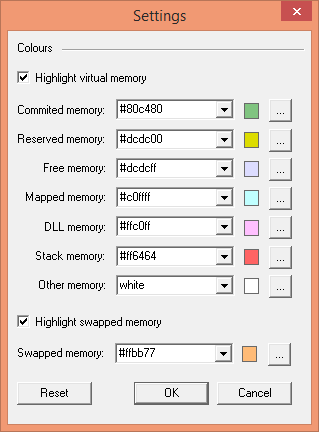
Colours
The Settings dialog allows you to specify the colours that will be used to represent each type of data item collected by VM Validator.
For each colour there are two ways of specifying the colour to use.
•Select a named colour from the combo box.
•Click on the button labeled ... to edit the colour using the standard Microsoft® colour choosing dialog.
The Reset button resets the colour selections and the check boxes to the default options.
